Save material cue, silhouette type, image count, and the first question to check later.
Filtered category view
Shoes records
Shoes finds
Category context
Kako Sheetbase category row note
Shoes is shown as a filtered record view with product thumbnails, category context, truthful price labels, and routes to related buying guidance.
- Record type
- Product
- Visible rows
- 2
- Price field
- Estimate or listed
Shoe records
A shoe row should tell you why it was saved
Shoes can become messy in a spreadsheet because the category mixes loafers, slides, boots, casual pairs, and dressier shapes. On this page, a useful row is one that can be found again by material, silhouette, size concern, or photo coverage. If a pair has no useful follow-up field, saving it only adds noise.
Use labels that separate slides, loafers, boots, and casual shoes so comparison does not depend on memory.
Keep a row only when price, photo coverage, or fit notes make it worth reopening during a future haul pass.
Filtered result set
Product records
Rows show only real product fields and supported price labels.
Product
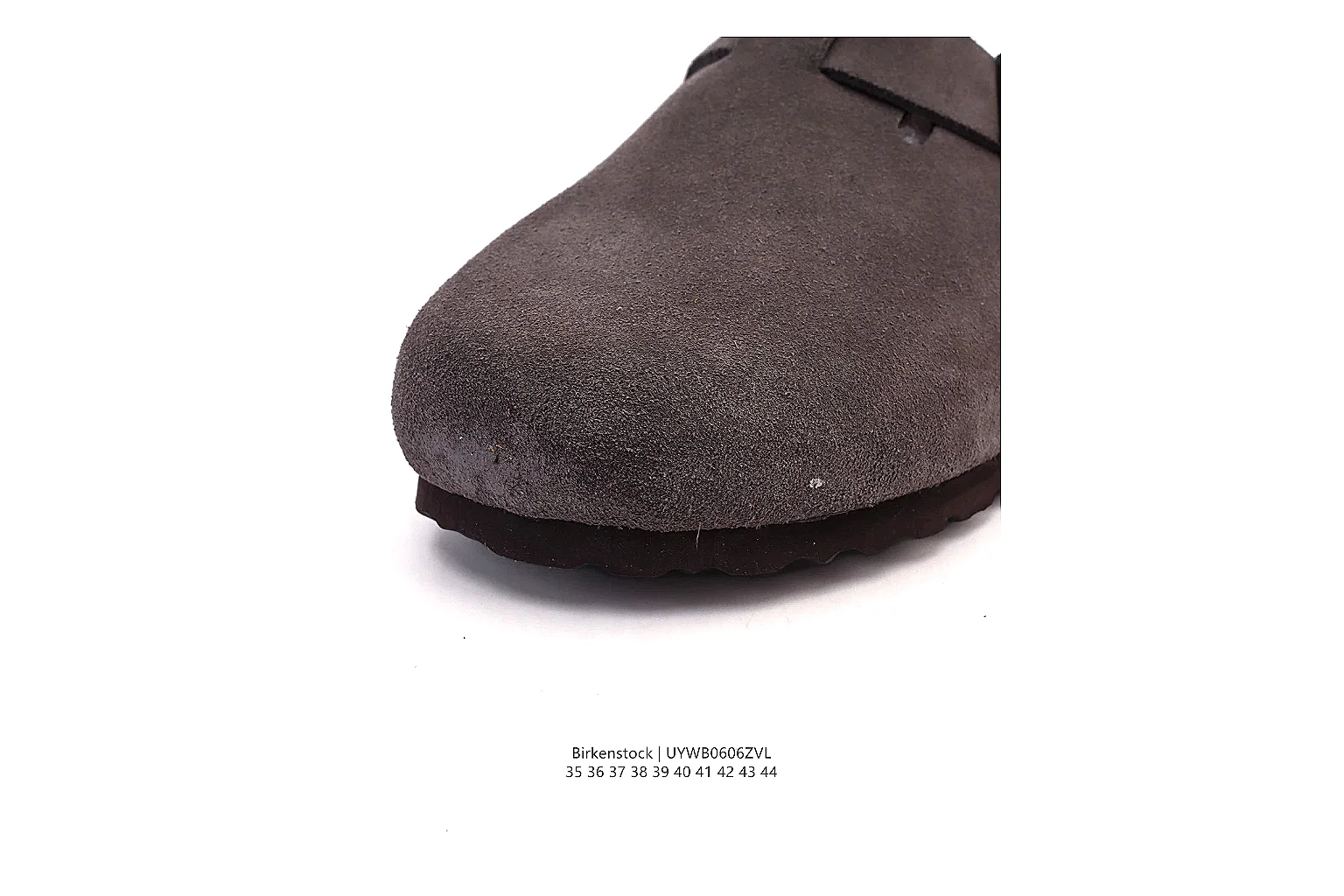 Spreadsheet record: Birkenstock Dark Grey Suede Clog 0889
Birkenstock Dark Grey Suede Clog 0889 uses a Dark Grey visual direction with suede cues and a mule outline. The six-image set gives enough angles for listing review, QC requests and agent checkout comparison.
Shoes
From ~$48.03
Record value
Open record
Product
Spreadsheet record: Birkenstock Dark Grey Suede Clog 0889
Birkenstock Dark Grey Suede Clog 0889 uses a Dark Grey visual direction with suede cues and a mule outline. The six-image set gives enough angles for listing review, QC requests and agent checkout comparison.
Shoes
From ~$48.03
Record value
Open record
Product
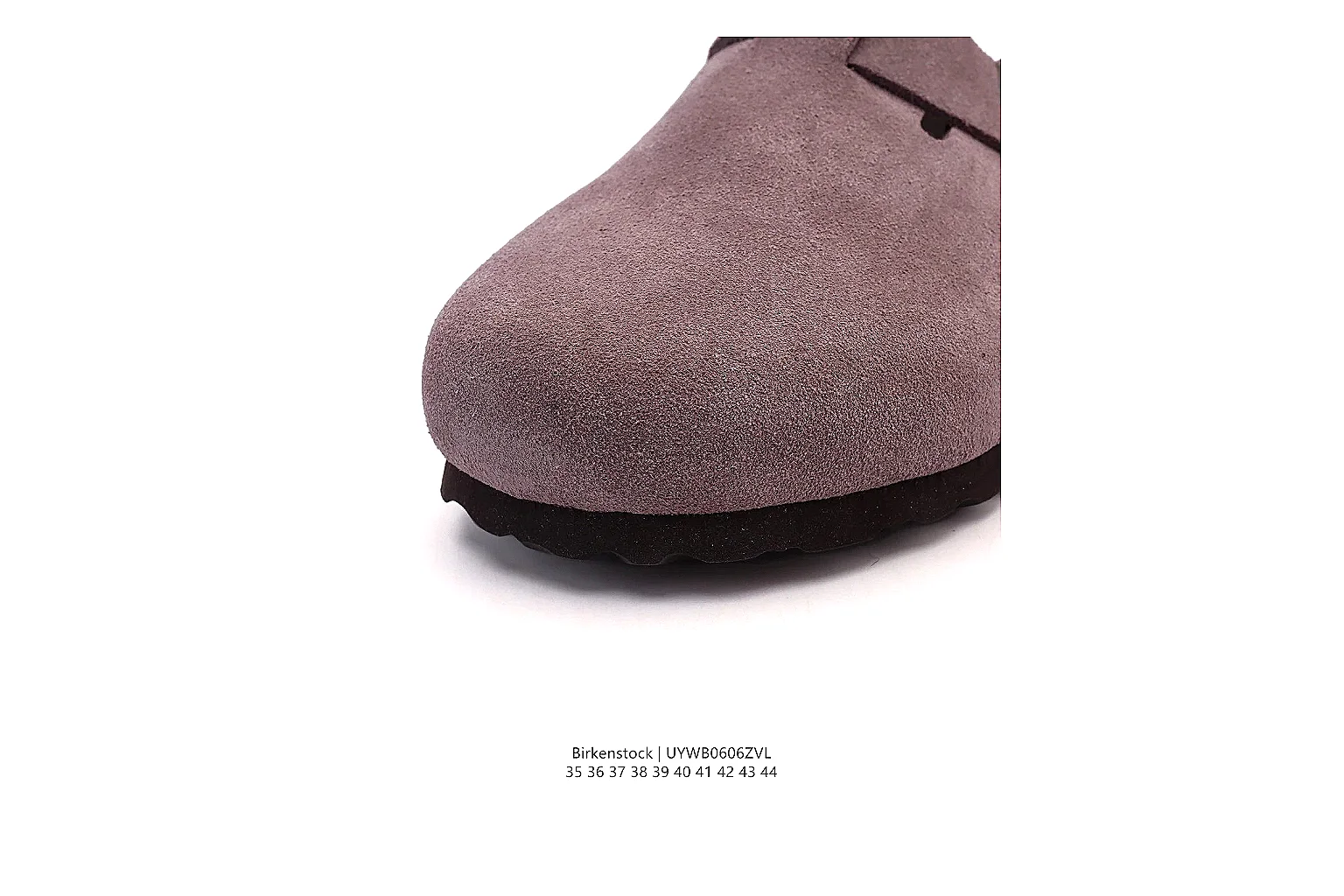 Spreadsheet record: Birkenstock Mauve Suede Clog 0896
Birkenstock Mauve Suede Clog 0896 uses a Mauve visual direction with suede cues and a mule outline. The six-image set gives enough angles for listing review, QC requests and agent checkout comparison.
Shoes
From ~$48.03
Record value
Open record
Spreadsheet record: Birkenstock Mauve Suede Clog 0896
Birkenstock Mauve Suede Clog 0896 uses a Mauve visual direction with suede cues and a mule outline. The six-image set gives enough angles for listing review, QC requests and agent checkout comparison.
Shoes
From ~$48.03
Record value
Open record
Spreadsheet record: Birkenstock Dark Grey Suede Clog 0889
Birkenstock Dark Grey Suede Clog 0889 uses a Dark Grey visual direction with suede cues and a mule outline. The six-image set gives enough angles for listing review, QC requests and agent checkout comparison.
Shoes
From ~$48.03
Record value
Open record
Product
Spreadsheet record: Birkenstock Mauve Suede Clog 0896
Birkenstock Mauve Suede Clog 0896 uses a Mauve visual direction with suede cues and a mule outline. The six-image set gives enough angles for listing review, QC requests and agent checkout comparison.
Shoes
From ~$48.03
Record value
Open record
Related records
Guide and answer routes
Open educational records without turning them into product rows.