A Sneaker Record Worth Keeping Needs Five Fields
A seller title is not a useful research record. Save five fields that let you find, compare and reconsider a sneaker row after the original tab is gone.
I have saved plenty of sneaker links that became useless a week later. The seller title changed, the thumbnail looked familiar but not familiar enough, and my note said only “maybe.” That is not a record. It is a delayed search problem.
When adding a row from the sneaker records category, I keep five fields. More can help, but these are the ones that let me return to a find without reopening ten tabs.
1. Stable identity Save a readable model or silhouette plus the product slug. A vague phrase such as “silver runner” is not enough when the sheet contains twenty of them. 2. Price captured date Record the displayed item price and the day you saw it. The number is a comparison point, not a promise that the listing will stay there. 3. Color evidence Use the visible colors, not only the seller title. Grey-purple, silver-blue and cream-red rows should remain distinguishable when thumbnails are small. 4. Photo coverage Note whether the gallery includes both profiles, a top view, paired shoes and an outsole. “Six photos” is less useful than knowing what those six photos cover. 5. Decision status Use a plain state: compare, request proof, hold for haul, or remove. A row without a next action quietly turns into clutter.Two rows that should not collapse into one
The grey-purple runner record and the silver-blue runner record can sit near the same price band and share a broad runner shape. If the sheet keeps only “runner,” price and seller, they become hard to tell apart. Color evidence and gallery coverage make the rows usable.
I also keep one hesitation in the note field. For the black gloss runner record, that might be whether the darker material hides creasing or panel edges in the available photos. The hesitation is more valuable than a generic “nice pair” comment because it tells me what to inspect next.
Delete rows without a next move
Once a week, open the full record table and filter for rows with no decision status. Give each one a next action or remove it. A shorter sheet with clear evidence beats a giant archive of links you no longer trust.
Sheetbase product records
Searchable product rows connected to this guide so the category and route context stays attached.
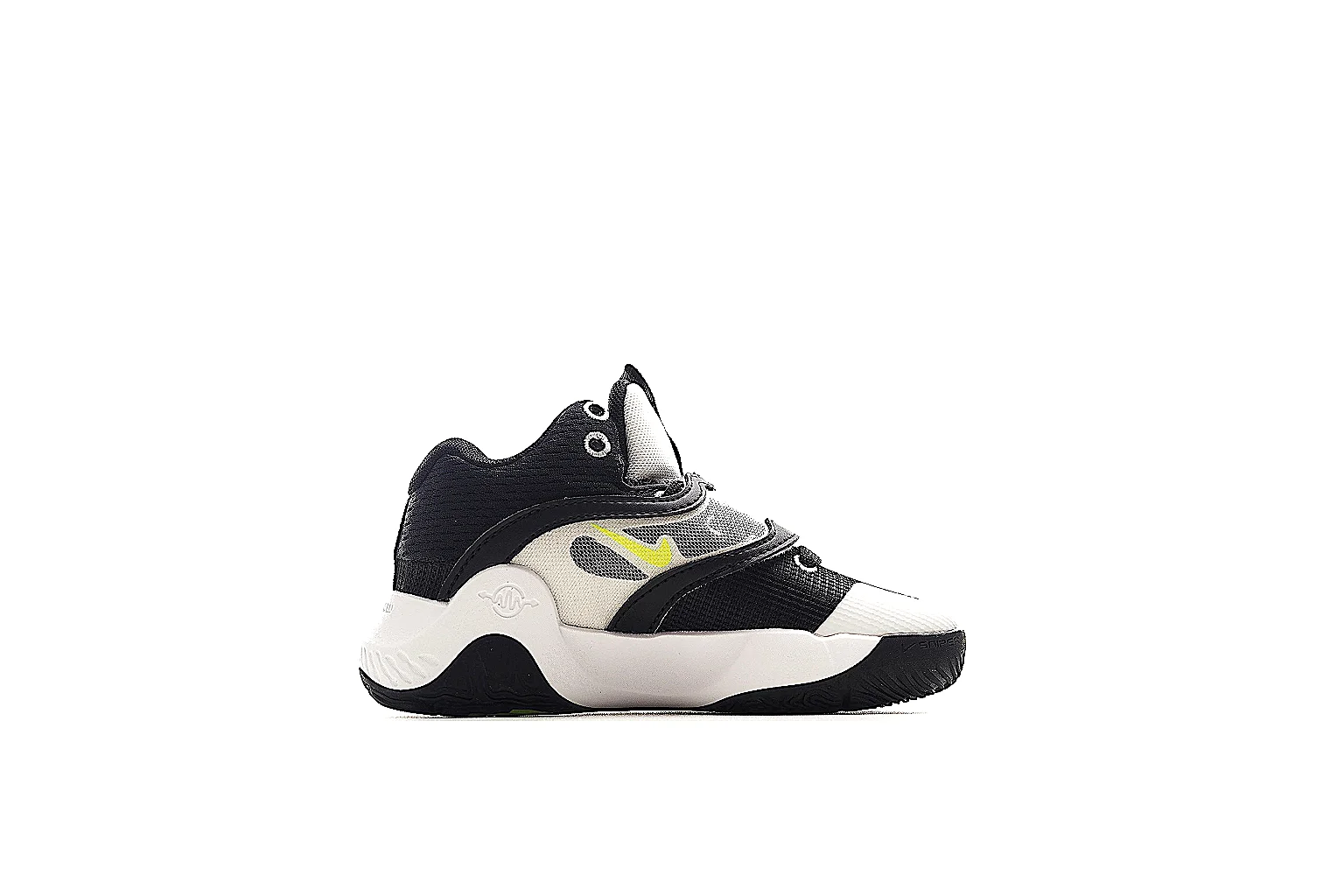 Sheet record for Black White Yellow Chunky Runner Runner
This Black White Yellow Chunky Runner Runner is a chunky-runner:black-white-yellow:mesh-leather. The six-image set gives enough side, top, heel, sole, and detail views for route planning and QC checks.
Sneakers
From ~$54.44
Record value
Open record
Product
Sheet record for Black White Yellow Chunky Runner Runner
This Black White Yellow Chunky Runner Runner is a chunky-runner:black-white-yellow:mesh-leather. The six-image set gives enough side, top, heel, sole, and detail views for route planning and QC checks.
Sneakers
From ~$54.44
Record value
Open record
Product
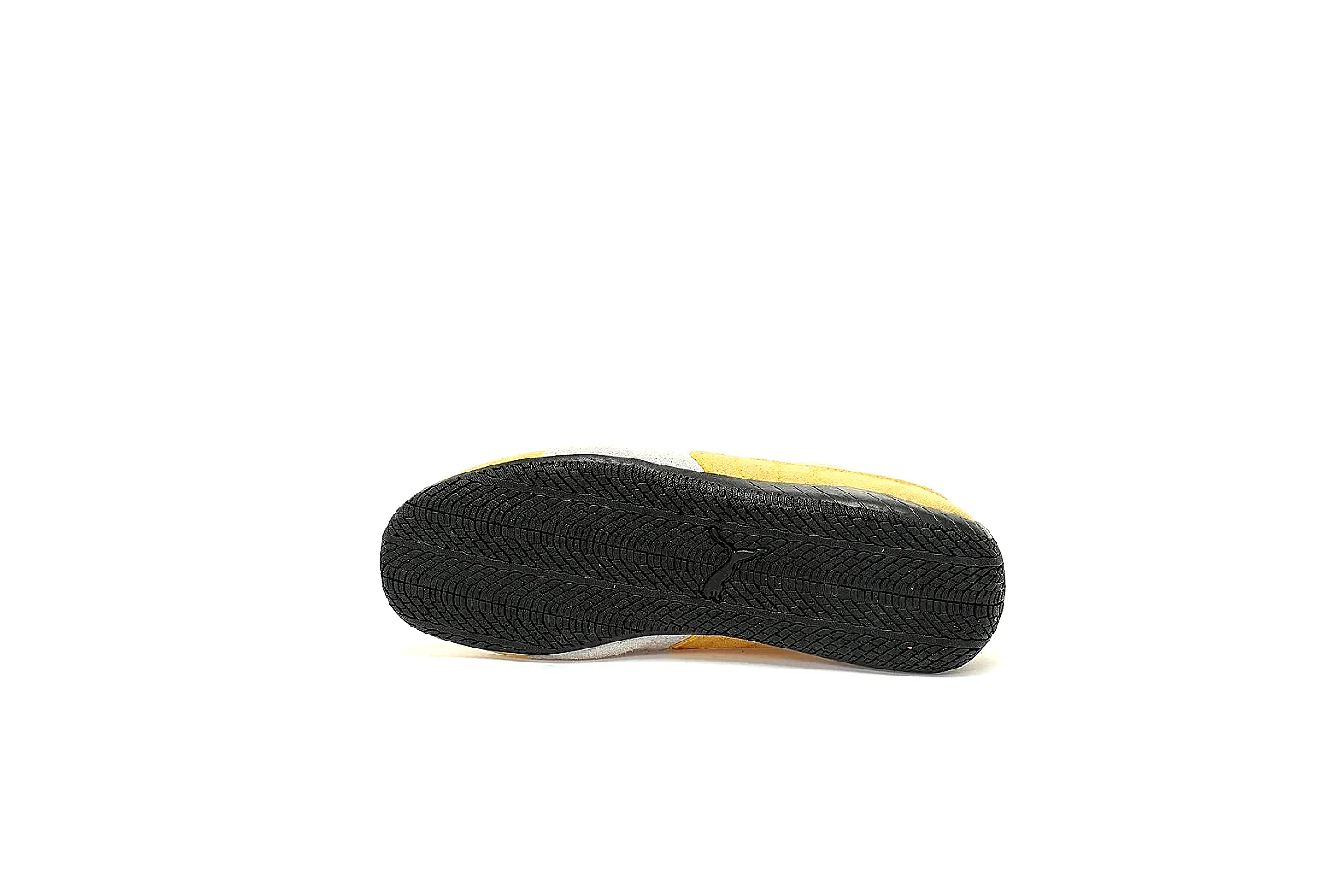 Sheet record for Yellow White Yellow Court Low Top
This Yellow White Yellow Court Low Top is a court-low:yellow-white:suede-leather. The six-image set gives enough side, top, heel, sole, and detail views for route planning and QC checks.
Sneakers
From ~$54.44
Record value
Open record
Product
Sheet record for Yellow White Yellow Court Low Top
This Yellow White Yellow Court Low Top is a court-low:yellow-white:suede-leather. The six-image set gives enough side, top, heel, sole, and detail views for route planning and QC checks.
Sneakers
From ~$54.44
Record value
Open record
Product
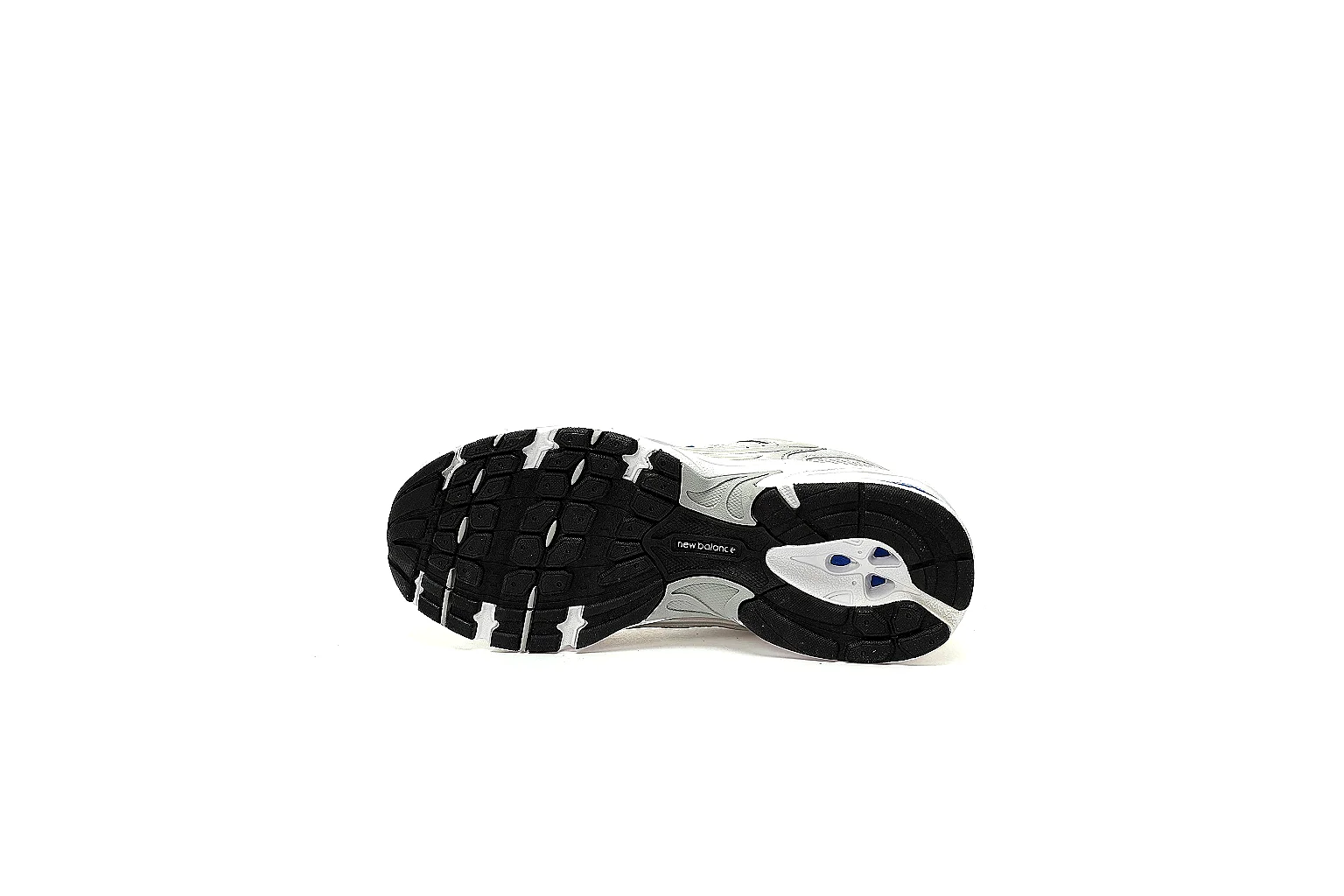 Sheet record for Silver Gray Silver Runner Runner
This Silver Gray Silver Runner Runner is a retro-runner:silver-gray:mesh-leather. The six-image set gives enough side, top, heel, sole, and detail views for route planning and QC checks.
Sneakers
From ~$60.84
Record value
Open record
Product
Sheet record for Silver Gray Silver Runner Runner
This Silver Gray Silver Runner Runner is a retro-runner:silver-gray:mesh-leather. The six-image set gives enough side, top, heel, sole, and detail views for route planning and QC checks.
Sneakers
From ~$60.84
Record value
Open record
Product
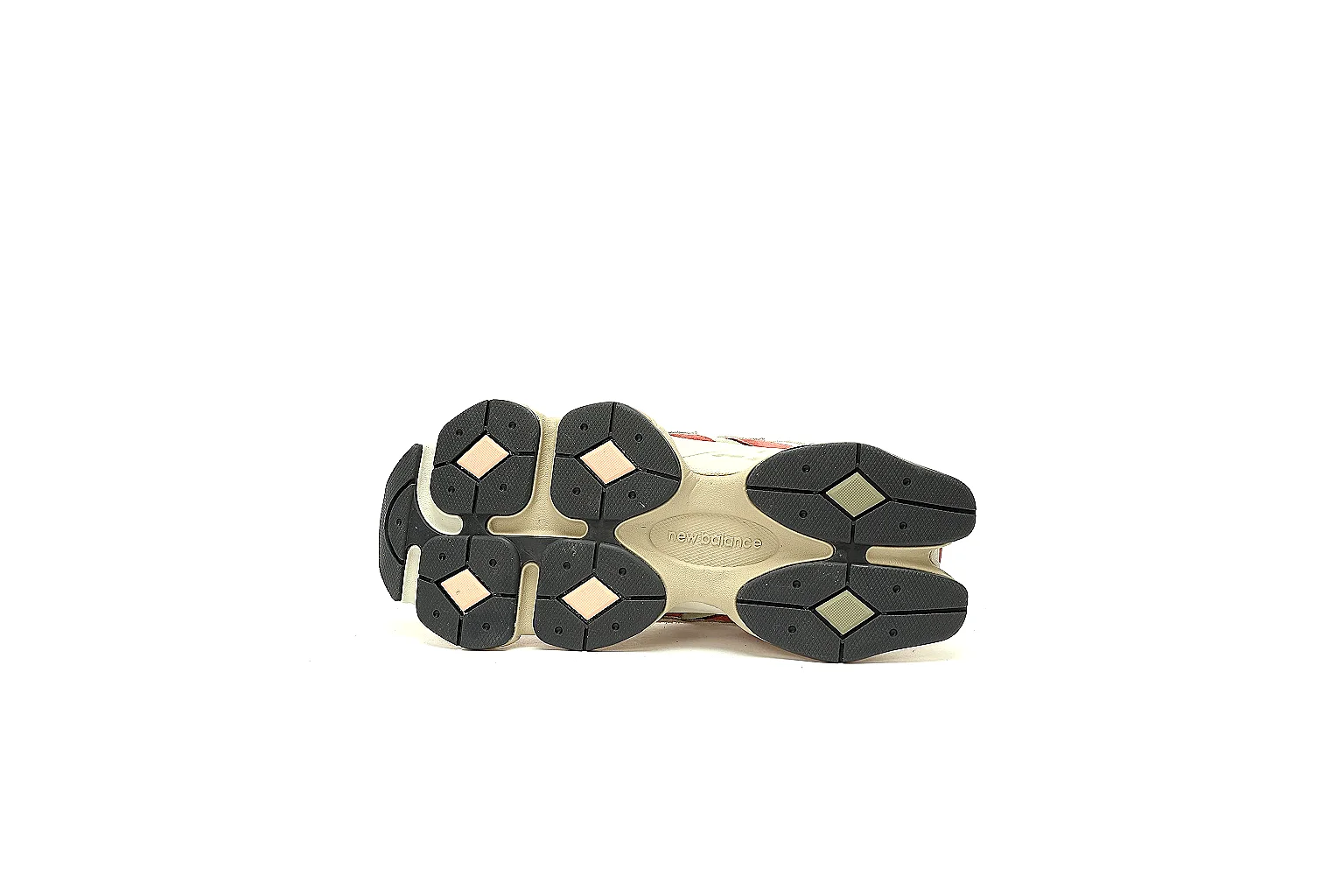 Sheet record for Cream Red Cream Red Runner Runner
This Cream Red Cream Red Runner Runner is a chunky-runner:cream-red:mesh-leather. The six-image set gives enough side, top, heel, sole, and detail views for route planning and QC checks.
Sneakers
From ~$67.25
Record value
Open record
Sheet record for Cream Red Cream Red Runner Runner
This Cream Red Cream Red Runner Runner is a chunky-runner:cream-red:mesh-leather. The six-image set gives enough side, top, heel, sole, and detail views for route planning and QC checks.
Sneakers
From ~$67.25
Record value
Open record