The Claim-and-Evidence Split I Use for Running-Sneaker Rows
Seller claims become more useful when they are stored separately from visible evidence. Split cushioning, weight and fit language into claim, proof and next-check fields.
“Lightweight,” “soft cushioning,” and “true to size” are easy phrases to paste into a running-sneaker row. They are also easy to misremember as facts a week later.
I keep seller language, visible evidence and my next check in separate fields. The split looks fussy for about thirty seconds. Later, it prevents a polished listing from becoming stronger evidence simply because I have forgotten where the wording came from.
Field 1: the claim, copied narrowly
I save only the part that could affect a decision, along with its source. “Seller description: lightweight mesh running shoe” is useful. Copying the whole promotional paragraph is not. For fit, I note whether the claim came from a size chart, seller text or a review.
The source label matters. “Runs small” from one anonymous comment is not equal to a garment or insole measurement. It may still be worth keeping, but it should not silently become the row's conclusion.
Field 2: what the listing actually shows
This field stays descriptive. I might write: “Upper appears open mesh at forefoot; padded heel collar visible; outsole has segmented rubber zones; no weight shown.” I avoid turning a photo into a performance promise. A thick midsole can be visible without proving that it is soft, stable or durable.
For sizing, evidence can include the measurement method, an insole length photo, or a comparison with a known model. A bare size conversion is a claim until I know what was measured.
Field 3: the smallest useful next check
The next check should be answerable: request the insole length for the selected size, ask for the pair weight, or obtain a side photo that shows the heel and midsole together. “Research more” is too vague and tends to survive forever.
I keep these fields in the main research sheet beside the URL, price snapshot and date checked. If the listing changes, I can still see which part was seller language and which part I observed.
How I compare two rows
When reviewing the running-sneaker records, I do not count claims. I compare resolved questions. A row with modest wording and a clear insole measurement can be more useful than one making five performance claims with no matching proof.
I archive the row when the important claim cannot be tested and the uncertainty changes the purchase. I keep it active when one small request could settle the issue. The next time I open the sheet, I want a research record, not an advertisement I accidentally wrote for the seller.
Sheetbase product records
Searchable product rows connected to this guide so the category and route context stays attached.
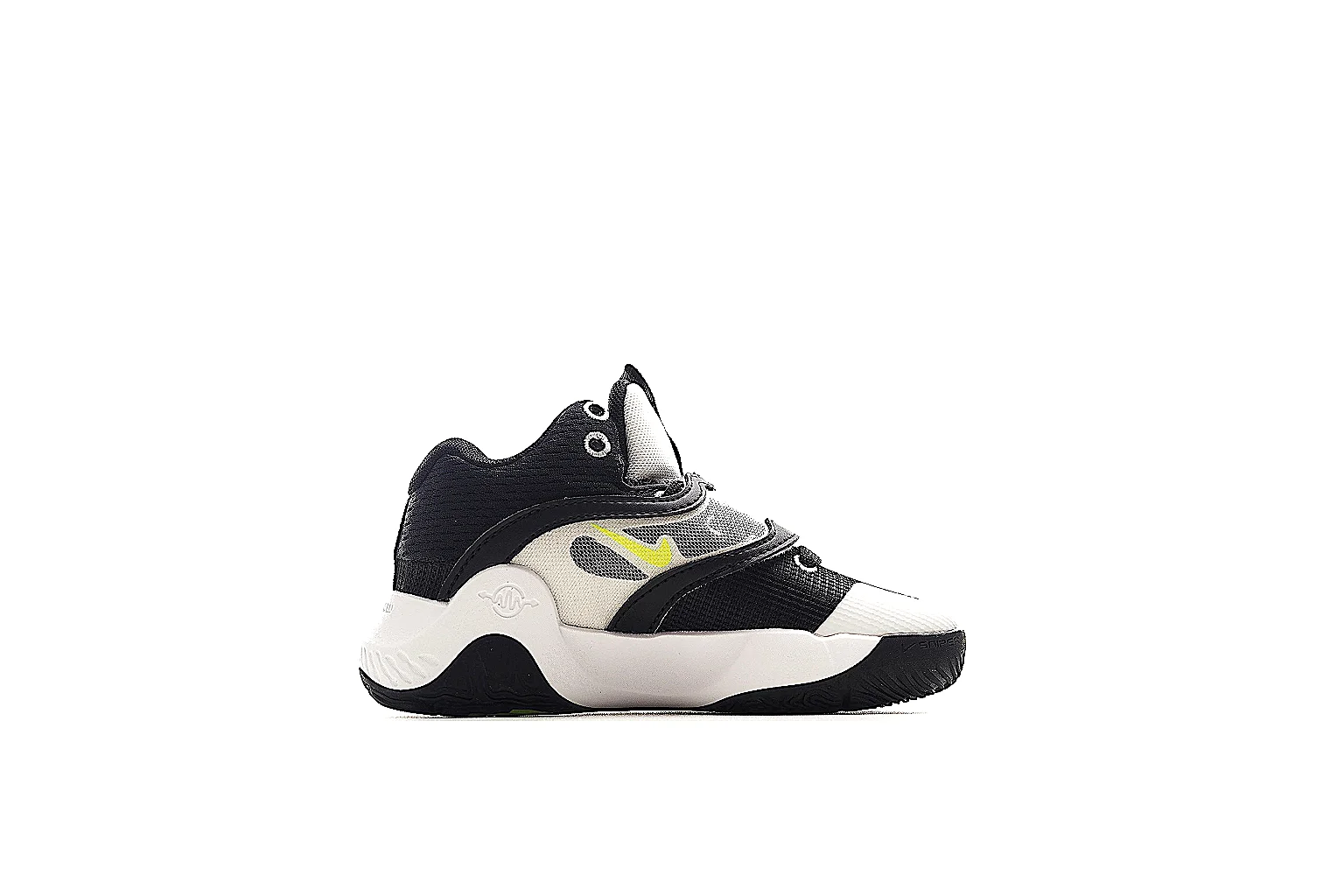 Sheet record for Black White Yellow Chunky Runner Runner
This Black White Yellow Chunky Runner Runner is a chunky-runner:black-white-yellow:mesh-leather. The six-image set gives enough side, top, heel, sole, and detail views for route planning and QC checks.
Sneakers
From ~$54.44
Record value
Open record
Product
Sheet record for Black White Yellow Chunky Runner Runner
This Black White Yellow Chunky Runner Runner is a chunky-runner:black-white-yellow:mesh-leather. The six-image set gives enough side, top, heel, sole, and detail views for route planning and QC checks.
Sneakers
From ~$54.44
Record value
Open record
Product
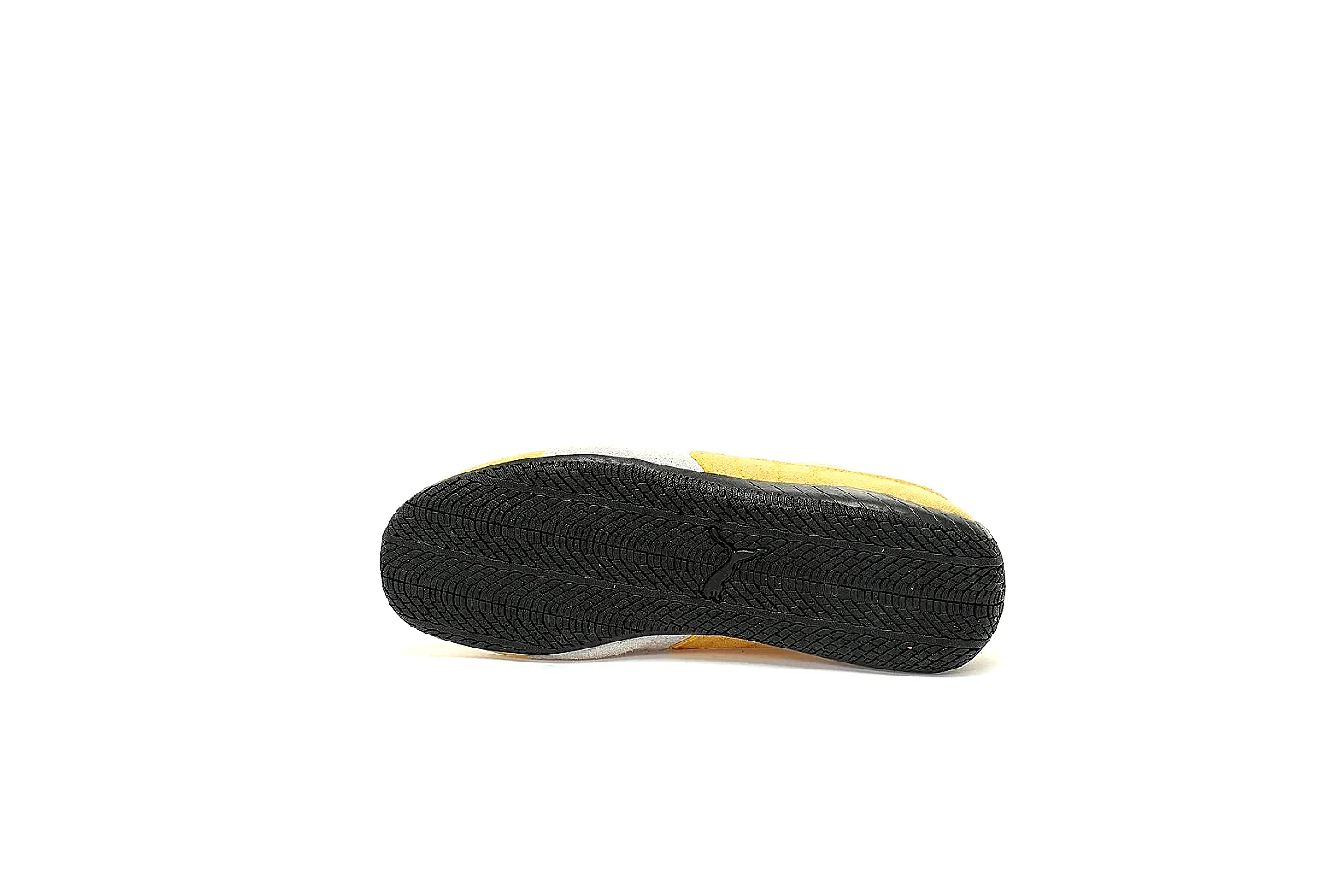 Sheet record for Yellow White Yellow Court Low Top
This Yellow White Yellow Court Low Top is a court-low:yellow-white:suede-leather. The six-image set gives enough side, top, heel, sole, and detail views for route planning and QC checks.
Sneakers
From ~$54.44
Record value
Open record
Product
Sheet record for Yellow White Yellow Court Low Top
This Yellow White Yellow Court Low Top is a court-low:yellow-white:suede-leather. The six-image set gives enough side, top, heel, sole, and detail views for route planning and QC checks.
Sneakers
From ~$54.44
Record value
Open record
Product
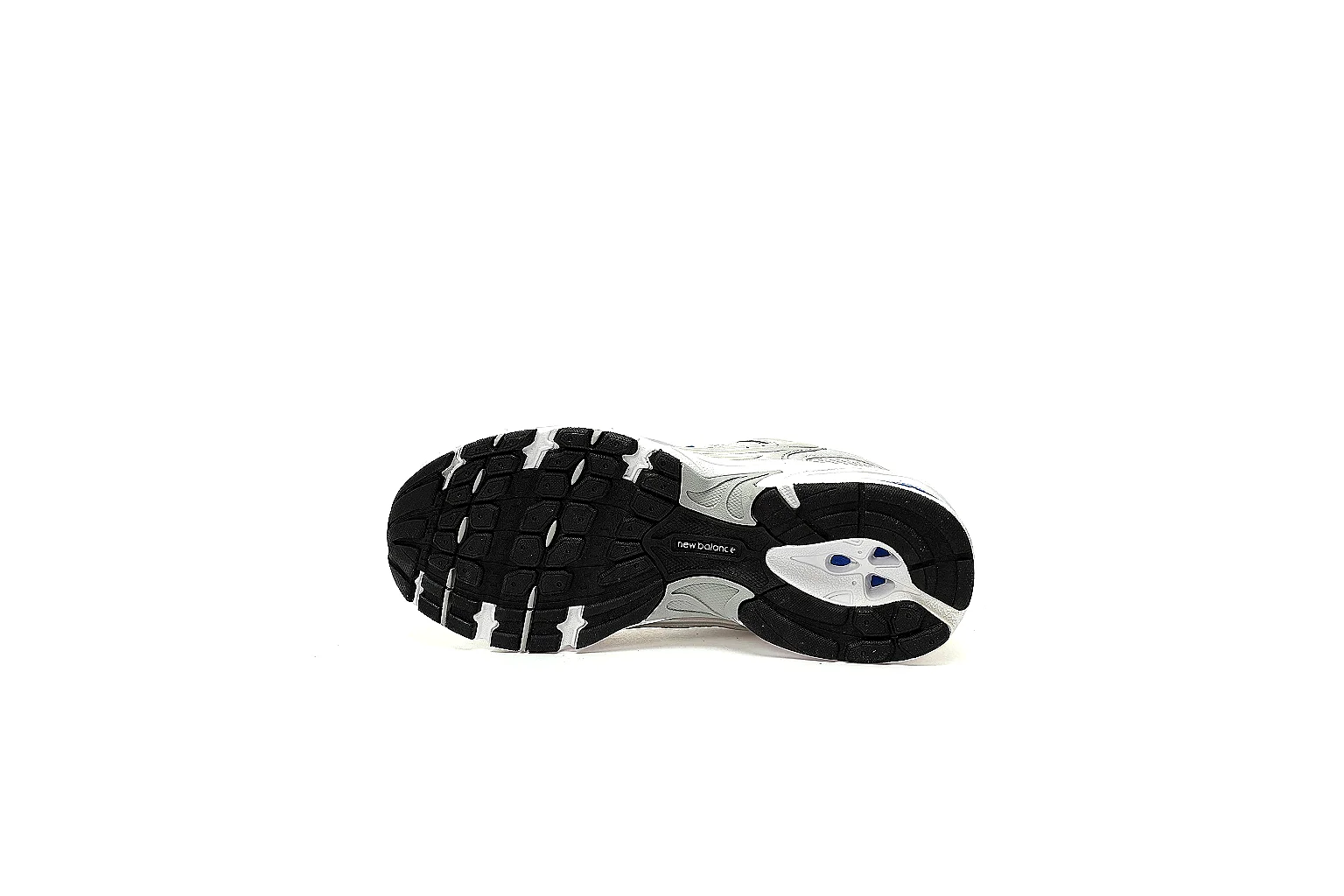 Sheet record for Silver Gray Silver Runner Runner
This Silver Gray Silver Runner Runner is a retro-runner:silver-gray:mesh-leather. The six-image set gives enough side, top, heel, sole, and detail views for route planning and QC checks.
Sneakers
From ~$60.84
Record value
Open record
Product
Sheet record for Silver Gray Silver Runner Runner
This Silver Gray Silver Runner Runner is a retro-runner:silver-gray:mesh-leather. The six-image set gives enough side, top, heel, sole, and detail views for route planning and QC checks.
Sneakers
From ~$60.84
Record value
Open record
Product
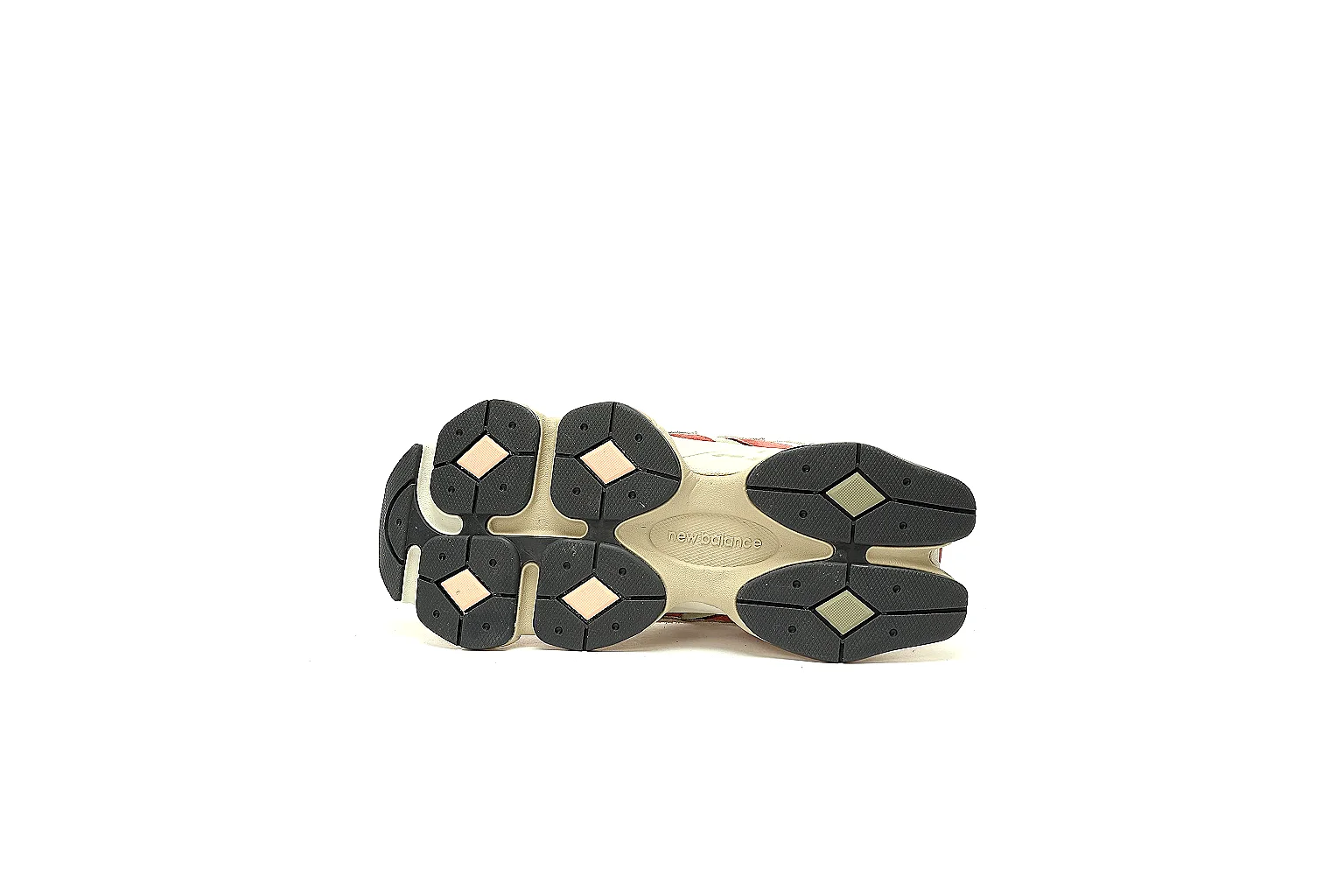 Sheet record for Cream Red Cream Red Runner Runner
This Cream Red Cream Red Runner Runner is a chunky-runner:cream-red:mesh-leather. The six-image set gives enough side, top, heel, sole, and detail views for route planning and QC checks.
Sneakers
From ~$67.25
Record value
Open record
Sheet record for Cream Red Cream Red Runner Runner
This Cream Red Cream Red Runner Runner is a chunky-runner:cream-red:mesh-leather. The six-image set gives enough side, top, heel, sole, and detail views for route planning and QC checks.
Sneakers
From ~$67.25
Record value
Open record