Use a Kakobuy Spreadsheet for Bags Before Checkout
A spreadsheet-first method for organizing Kakobuy bag finds by shape, hardware, measurements, QC status and backup options.
A bag spreadsheet gets messy faster than a sneaker spreadsheet because the important details are scattered. One row has a clean front photo, another has the better chain angle, and a third has the price you want but no interior view. Kako Sheetbase is most useful when the spreadsheet view becomes a decision board instead of a link dump.
Give each bag a job
Before checkout, label each bag by use: compact evening bag, daily shoulder bag, tote, wallet-on-chain, mini top-handle or backup. The Chanel wallet on chain black and Louis Vuitton wallet on chain black should not be compared as if they solve the same problem as the Chanel tote bag white black. They carry different things, ship differently and need different QC photos.
This one note keeps the sheet honest. A bag that is wrong for your actual use should not stay in the shortlist just because the photos look clean.
Add QC columns that match bags
For bags, I would track five simple columns: shape, hardware, corners, interior and scale. Shape asks whether the bag stands correctly. Hardware covers chain, clasp, zipper, buckle and handle base. Corners catch edge paint and compression. Interior confirms lining or pocket layout. Scale protects you from a mini bag that looked full-size in a cropped seller image.
- Shape: pass, weak photo, or fail.
- Hardware: clear, needs closeup, or risky.
- Corners/base: checked, missing, or uneven.
- Interior: visible, not needed, or missing.
- Scale: measured, obvious, or uncertain.
Use category pages to avoid orphan choices
The bags category should stay open while you work. If the Prada mini top handle orange brown has the color you want but weak side photos, compare it with the Prada mini top handle black instead of forcing the first link through checkout. A backup row is useful only when it is close enough to replace the failed option.
The Sheetbase bag compare path is a good final pass because it moves you from a long sheet into a smaller set of agent-ready candidates. Keep one primary, one backup and one budget-safe option. Remove anything that still needs basic seller-photo guessing.
Checkout when the sheet feels boring
A clean bag spreadsheet should be a little dull by the end. The winning row has a clear shape, visible hardware, enough QC questions written down and a backup if the warehouse photos disappoint. That is the point: less excitement before checkout, fewer surprises after shipping.
Sheetbase product records
Searchable product rows connected to this guide so the category and route context stays attached.
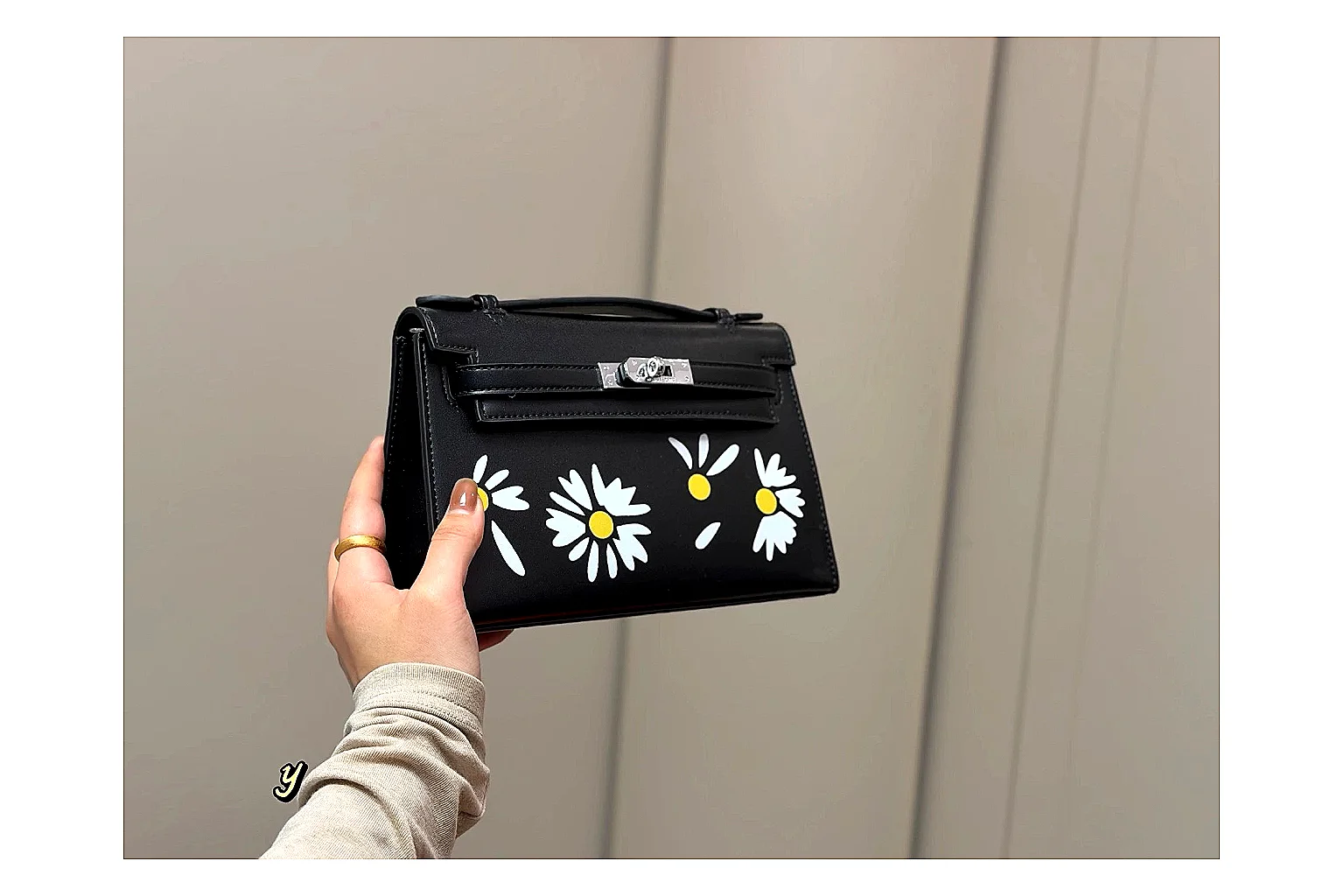 Hermes Daisy Kelly Black Bag Searchable Sheet Entry
Hermes daisy Kelly black bag with top handle, shoulder strap, floral detail and boxed luxury accessory display.
Bags
From ~$52.84
Record value
Open record
Product
Hermes Daisy Kelly Black Bag Searchable Sheet Entry
Hermes daisy Kelly black bag with top handle, shoulder strap, floral detail and boxed luxury accessory display.
Bags
From ~$52.84
Record value
Open record
Product
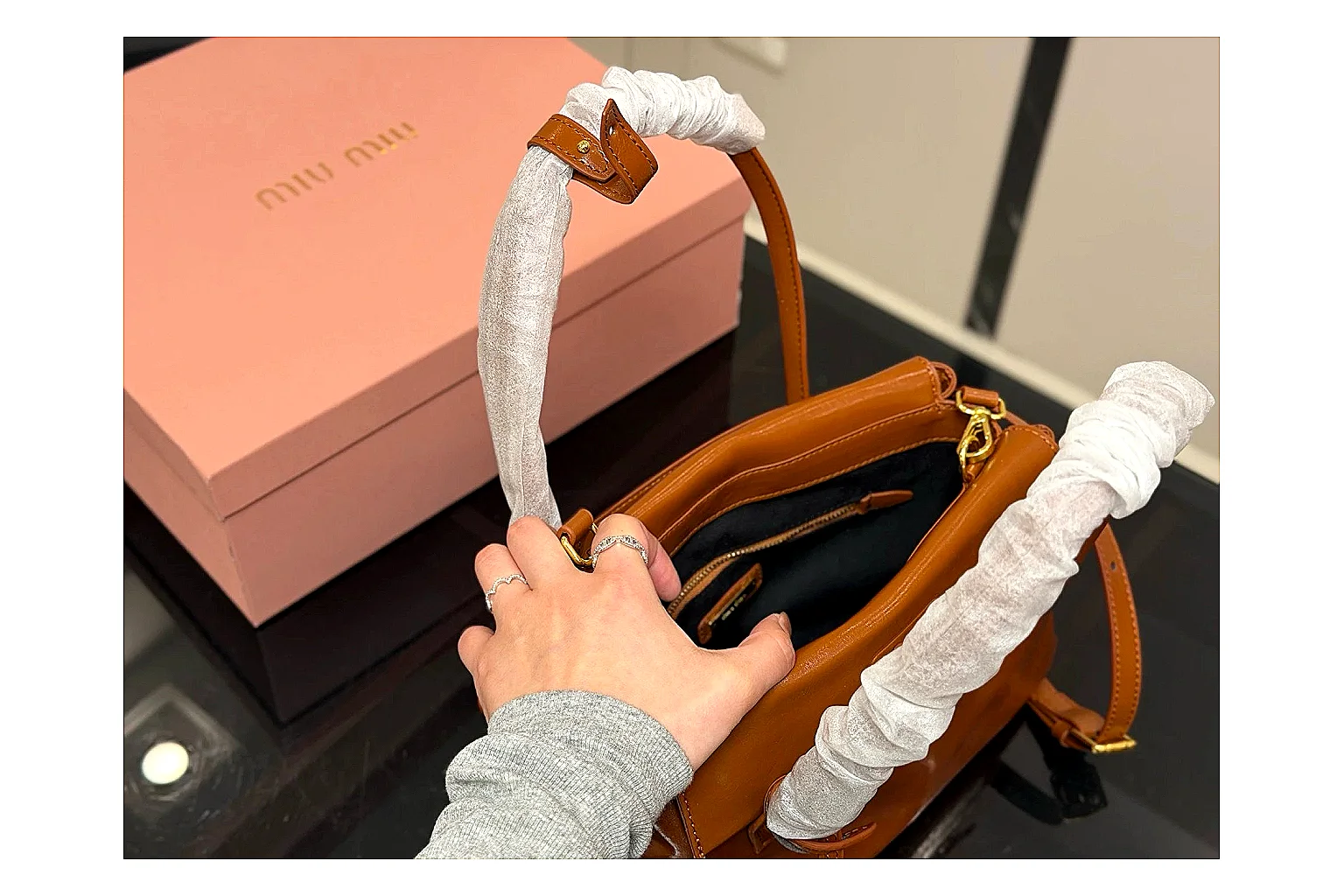 Prada Mini Top Handle Orange Brown Sheetbase Product Record
Prada Mini Top Handle in orange brown features leather materials, a top-handle shape and luxury-bag styling for daily ecommerce outfits. The enhanced image set helps bag shoppers comparing carry shape, hardware and gallery details before agent checkout, highlighting bag silhouette, hardware.
Bags
From ~$64.04
Record value
Open record
Product
Prada Mini Top Handle Orange Brown Sheetbase Product Record
Prada Mini Top Handle in orange brown features leather materials, a top-handle shape and luxury-bag styling for daily ecommerce outfits. The enhanced image set helps bag shoppers comparing carry shape, hardware and gallery details before agent checkout, highlighting bag silhouette, hardware.
Bags
From ~$64.04
Record value
Open record
Product
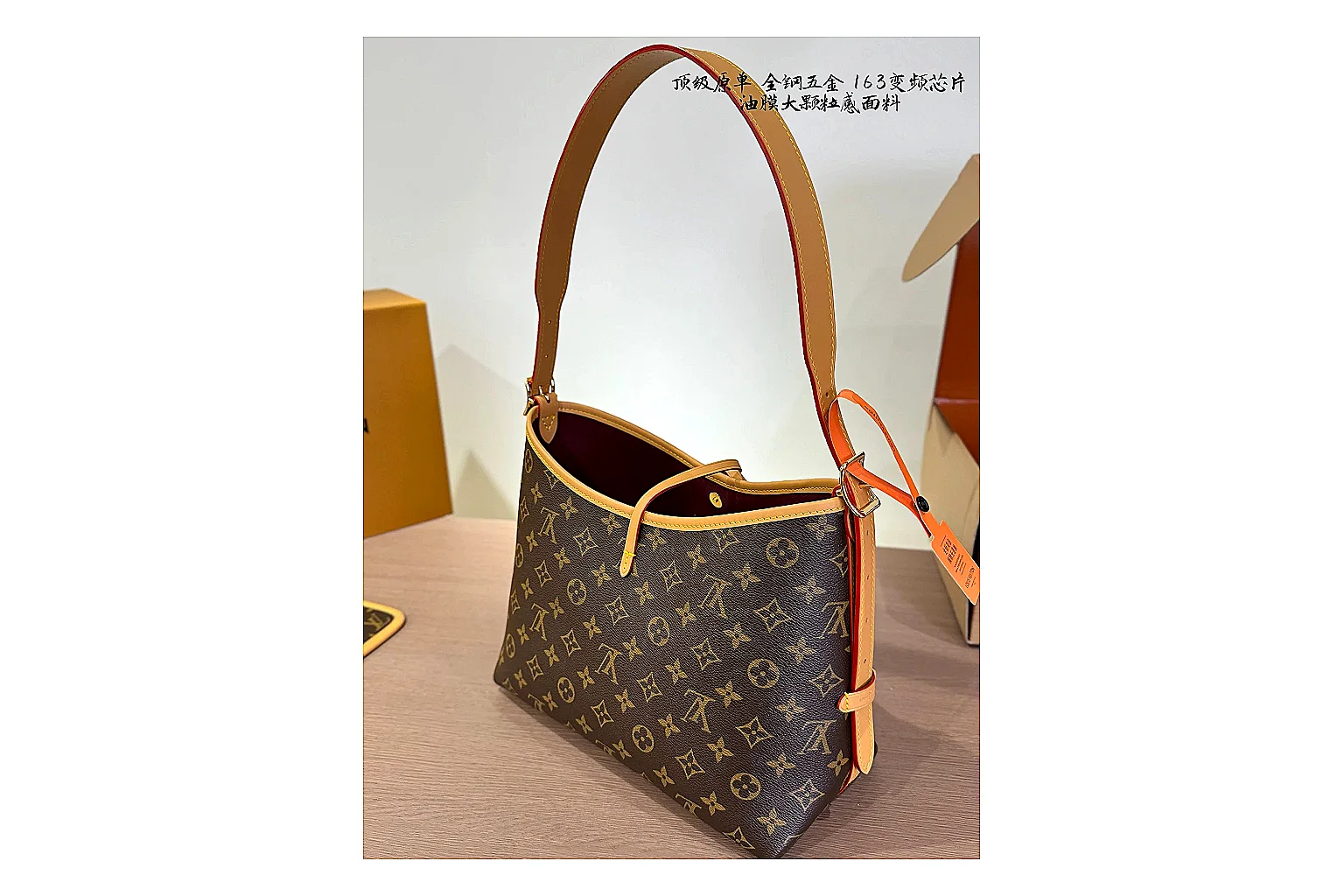 Louis Vuitton Monogram Hobo Brown Sheetbase Product Record
Louis Vuitton Monogram Hobo in brown features coated-canvas materials, a shoulder-bag shape and luxury-bag styling for daily ecommerce outfits. The enhanced image set helps bag shoppers comparing carry shape, hardware and gallery details before agent checkout, highlighting bag silhouette, hardware.
Bags
From ~$91.26
Record value
Open record
Product
Louis Vuitton Monogram Hobo Brown Sheetbase Product Record
Louis Vuitton Monogram Hobo in brown features coated-canvas materials, a shoulder-bag shape and luxury-bag styling for daily ecommerce outfits. The enhanced image set helps bag shoppers comparing carry shape, hardware and gallery details before agent checkout, highlighting bag silhouette, hardware.
Bags
From ~$91.26
Record value
Open record
Product
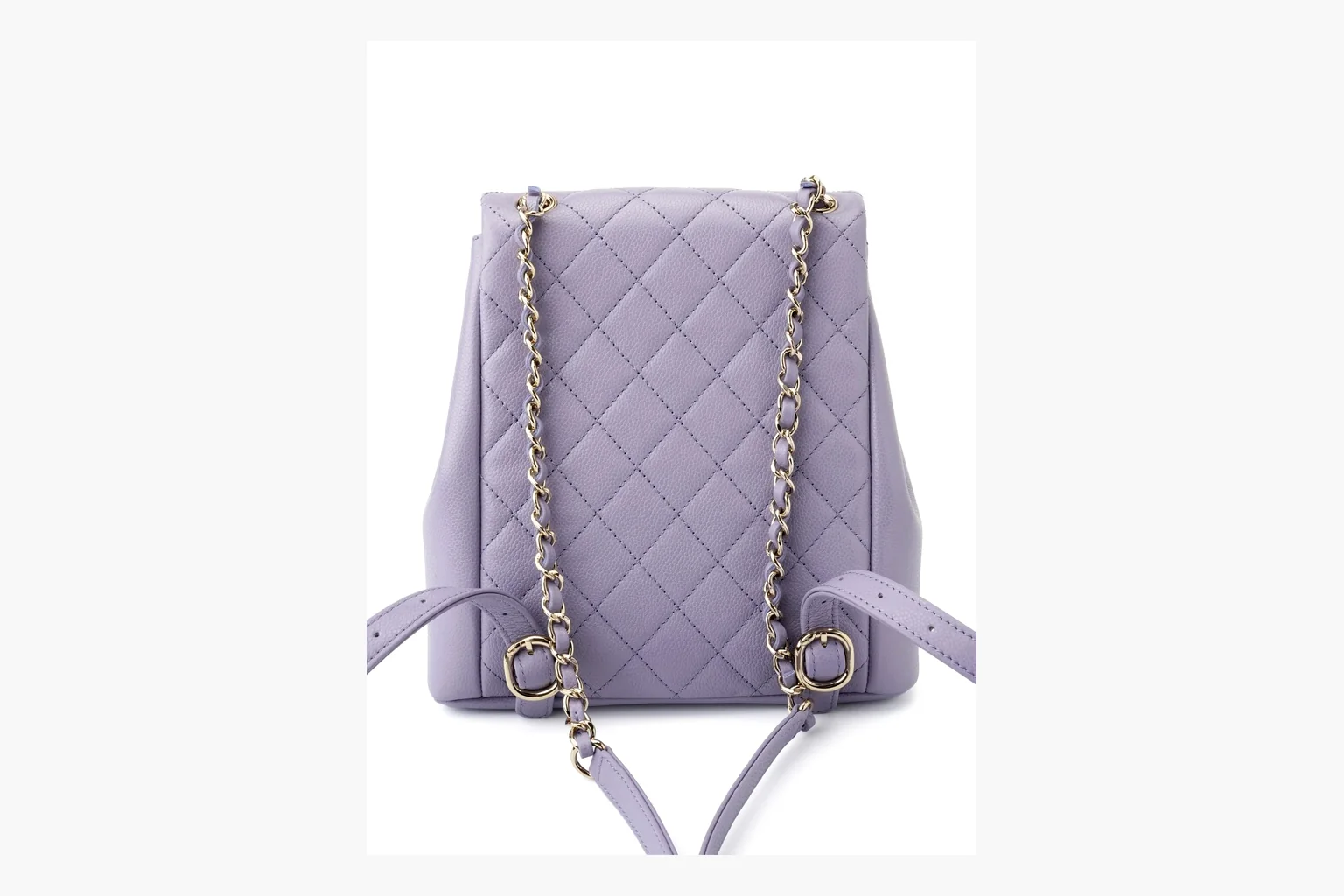 Chanel Lavender Quilted Backpack Sheetbase Product Record
Chanel Purple Quilted Backpack uses a lavender purple palette with caviar leather texture and visible details from the six-image gallery, giving shoppers a clearer view before agent checkout.
Bags
From ~$605.22
Record value
Open record
Chanel Lavender Quilted Backpack Sheetbase Product Record
Chanel Purple Quilted Backpack uses a lavender purple palette with caviar leather texture and visible details from the six-image gallery, giving shoppers a clearer view before agent checkout.
Bags
From ~$605.22
Record value
Open record