Bag Records Need Hardware, Strap and Price Notes
A useful bag spreadsheet is not just a link dump. Hardware finish, strap shape and price changes need their own fields before checkout.
A bag spreadsheet starts failing when every row only says "nice bag" and a price. Two weeks later, that note is useless.
Kako Sheetbase works better when the row captures the reason you saved the item in the first place. For bags, I would give hardware, strap shape and price movement their own space. Those details decide whether a row is still worth opening after the first pass.
The four fields I would add
For the bag records, I would keep the extra fields simple:
- Hardware: gold tone, silver tone, dull finish, logo plate, chain, zipper or clasp.
- Shape: tote, flap, backpack, hobo, mini top handle or soft structured.
- QC ask: the one photo you still need before checkout.
- Price note: current item price and whether shipping may change the value.
That is enough to make the spreadsheet searchable without turning it into a chore.
Use the row to remember your doubt
On the Louis Vuitton tote record, I would mark the main side shape and material texture as the first QC doubts. A tote can look strong in one front image and still feel flimsy if the side wall collapses.
For the white Chanel chain flap record, hardware and stitching need to be separate notes. If the chain tone looks fine but the flap line is uneven, those are different problems. One row should not hide them under a vague "check QC" label.
Do not overbuild the sheet
The point is not to collect perfect data. The point is to make the next decision faster. If a row has a clear price note, a visible QC doubt and a reason to keep it, save it. If the row needs five explanations just to remember why it is there, it probably belongs lower in the list.
Before checkout, open the full Sheetbase spreadsheet and filter by category plus QC ask. Bags with missing strap or hardware photos should not sit beside rows that are ready to compare. Keep the uncertain ones visible, but do not let them pretend to be finished.
Sheetbase product records
Searchable product rows connected to this guide so the category and route context stays attached.
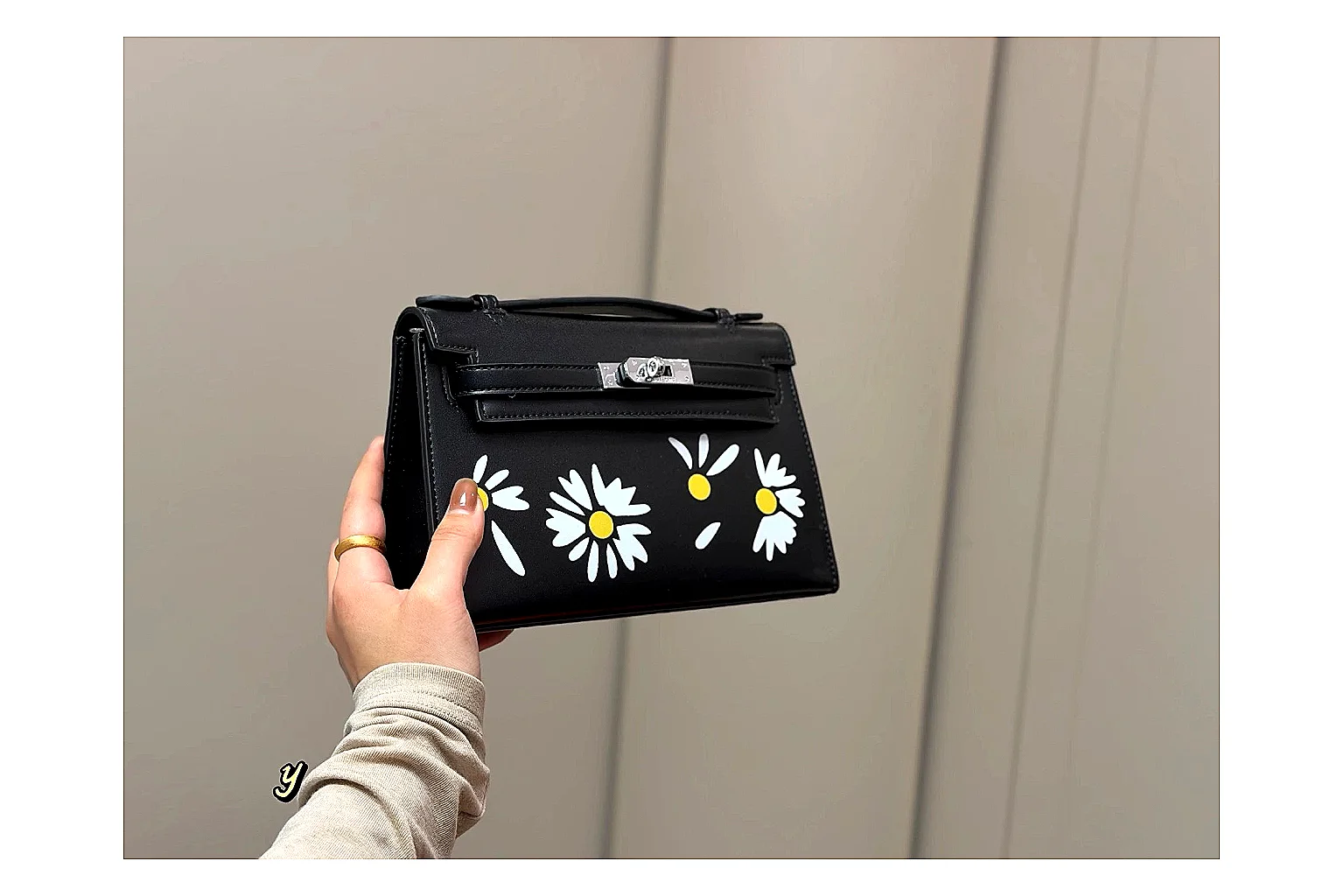 Hermes Daisy Kelly Black Bag Searchable Sheet Entry
Hermes daisy Kelly black bag with top handle, shoulder strap, floral detail and boxed luxury accessory display.
Bags
From ~$52.84
Record value
Open record
Product
Hermes Daisy Kelly Black Bag Searchable Sheet Entry
Hermes daisy Kelly black bag with top handle, shoulder strap, floral detail and boxed luxury accessory display.
Bags
From ~$52.84
Record value
Open record
Product
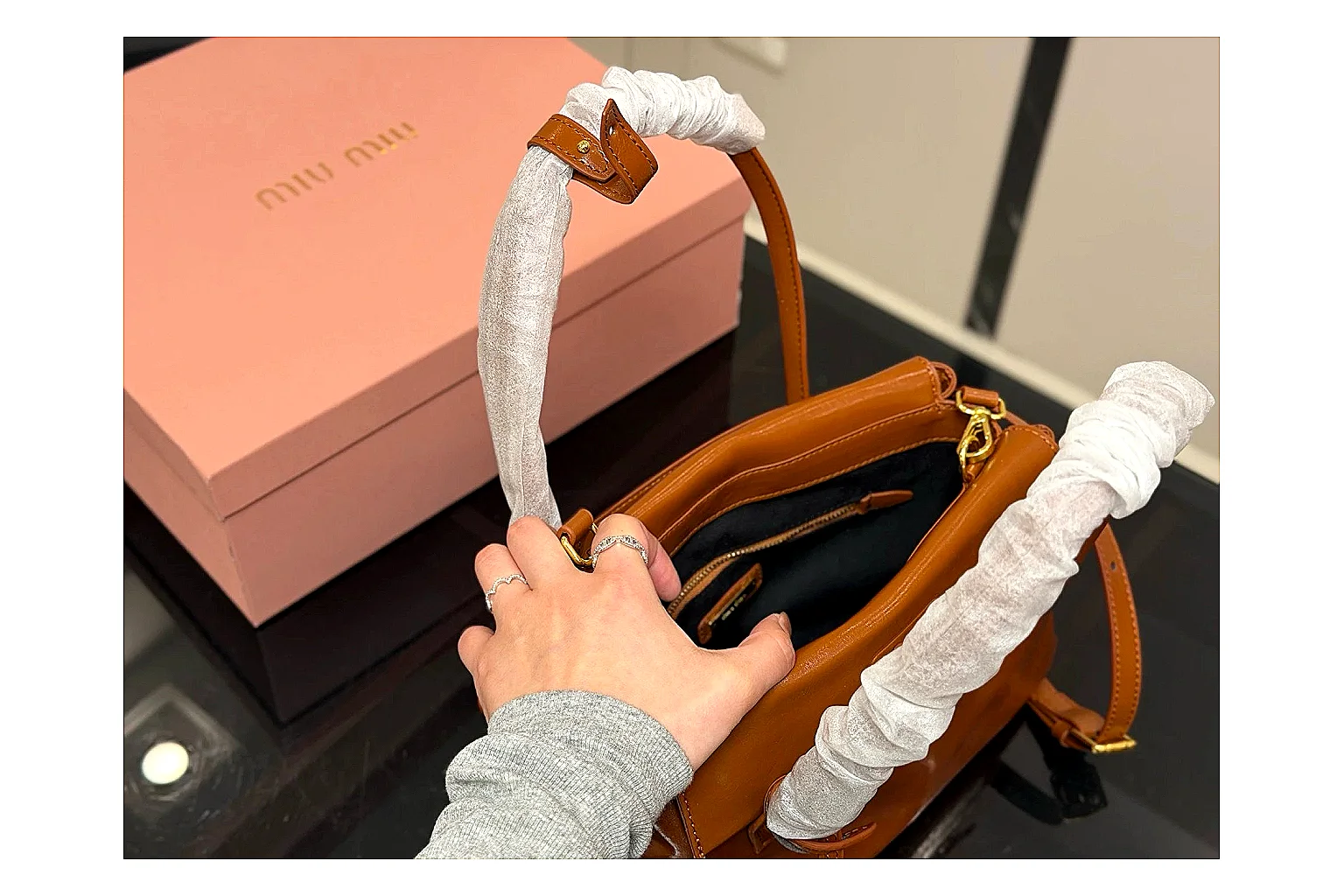 Prada Mini Top Handle Orange Brown Sheetbase Product Record
Prada Mini Top Handle in orange brown features leather materials, a top-handle shape and luxury-bag styling for daily ecommerce outfits. The enhanced image set helps bag shoppers comparing carry shape, hardware and gallery details before agent checkout, highlighting bag silhouette, hardware.
Bags
From ~$64.04
Record value
Open record
Product
Prada Mini Top Handle Orange Brown Sheetbase Product Record
Prada Mini Top Handle in orange brown features leather materials, a top-handle shape and luxury-bag styling for daily ecommerce outfits. The enhanced image set helps bag shoppers comparing carry shape, hardware and gallery details before agent checkout, highlighting bag silhouette, hardware.
Bags
From ~$64.04
Record value
Open record
Product
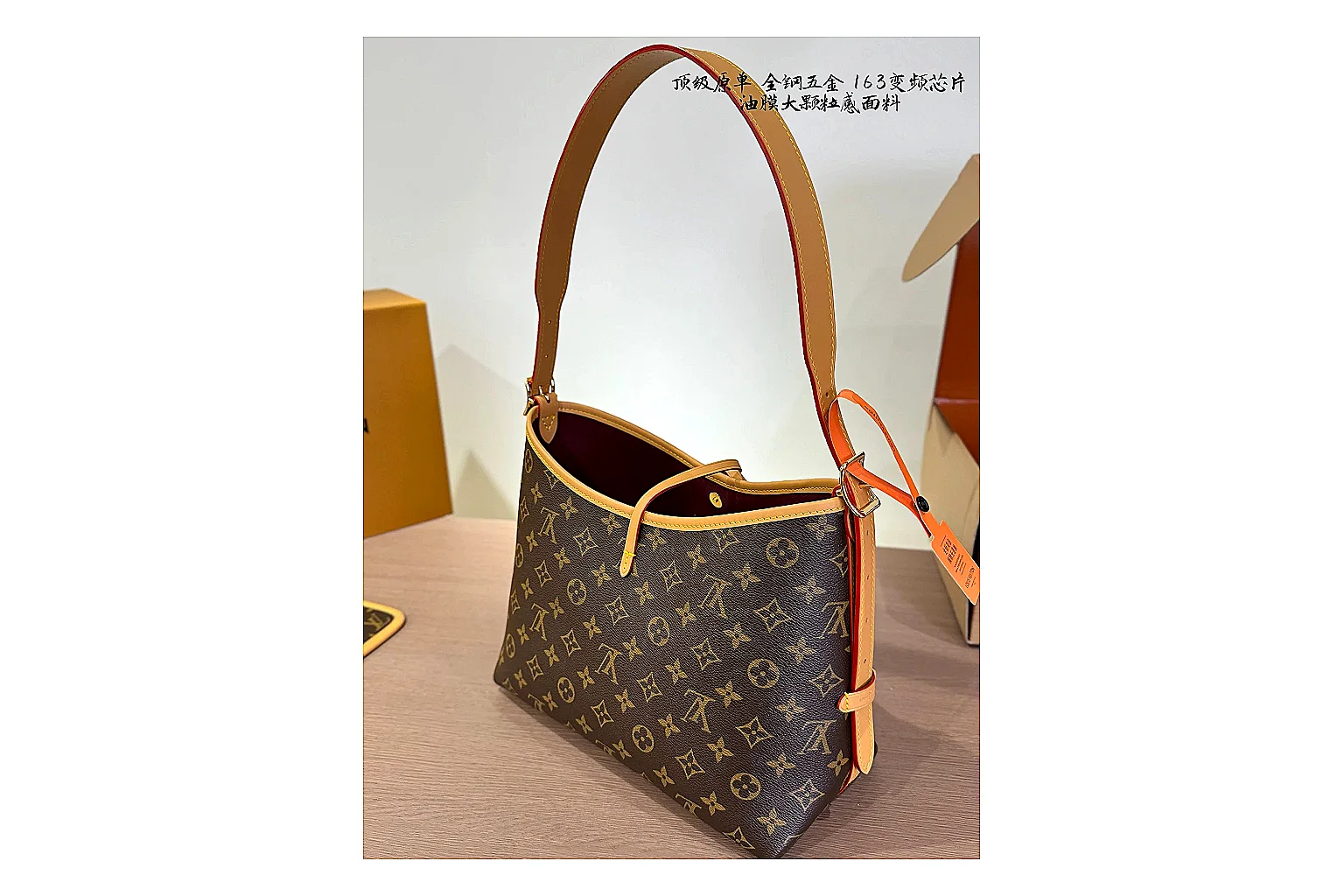 Louis Vuitton Monogram Hobo Brown Sheetbase Product Record
Louis Vuitton Monogram Hobo in brown features coated-canvas materials, a shoulder-bag shape and luxury-bag styling for daily ecommerce outfits. The enhanced image set helps bag shoppers comparing carry shape, hardware and gallery details before agent checkout, highlighting bag silhouette, hardware.
Bags
From ~$91.26
Record value
Open record
Product
Louis Vuitton Monogram Hobo Brown Sheetbase Product Record
Louis Vuitton Monogram Hobo in brown features coated-canvas materials, a shoulder-bag shape and luxury-bag styling for daily ecommerce outfits. The enhanced image set helps bag shoppers comparing carry shape, hardware and gallery details before agent checkout, highlighting bag silhouette, hardware.
Bags
From ~$91.26
Record value
Open record
Product
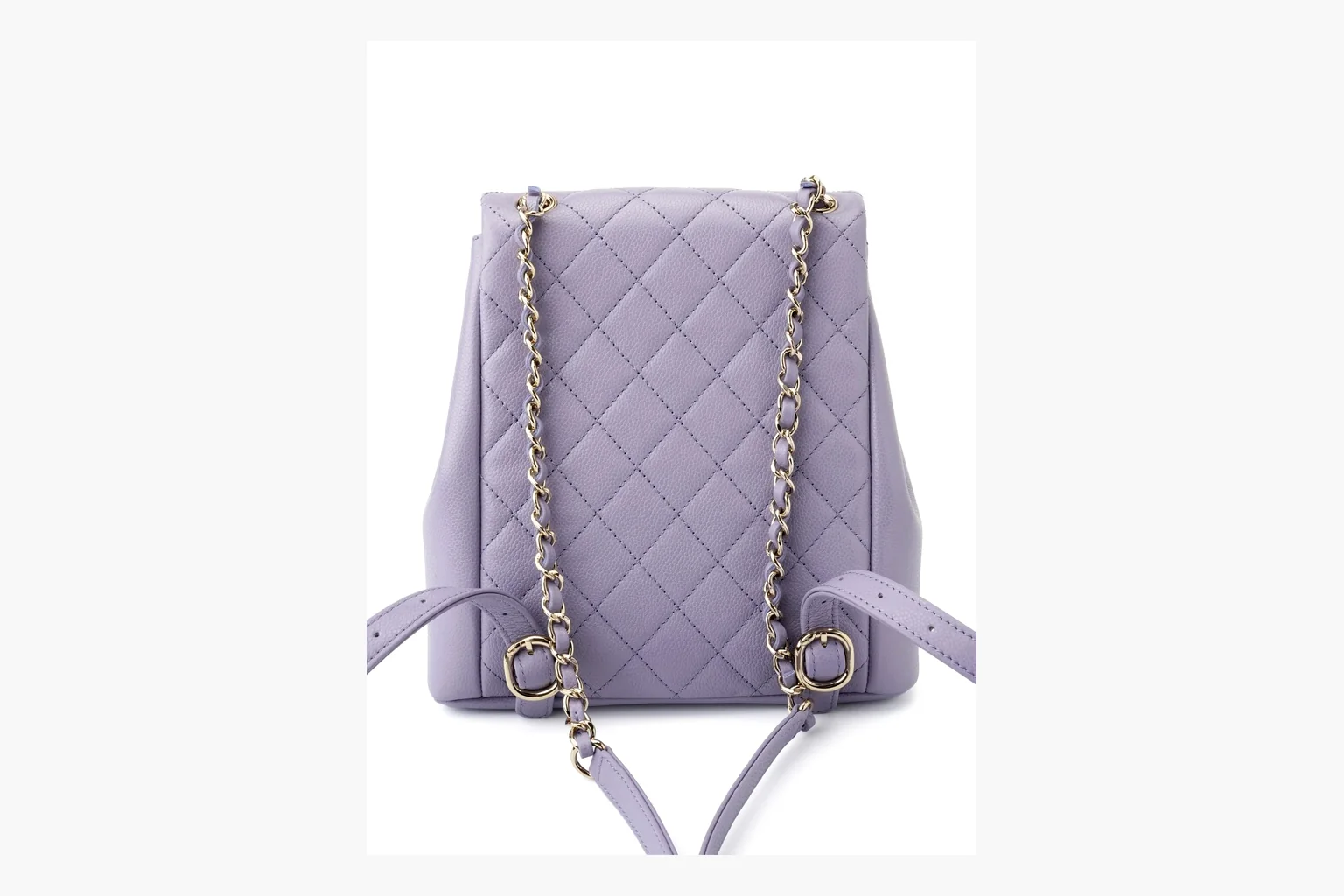 Chanel Lavender Quilted Backpack Sheetbase Product Record
Chanel Purple Quilted Backpack uses a lavender purple palette with caviar leather texture and visible details from the six-image gallery, giving shoppers a clearer view before agent checkout.
Bags
From ~$605.22
Record value
Open record
Chanel Lavender Quilted Backpack Sheetbase Product Record
Chanel Purple Quilted Backpack uses a lavender purple palette with caviar leather texture and visible details from the six-image gallery, giving shoppers a clearer view before agent checkout.
Bags
From ~$605.22
Record value
Open record